Classic
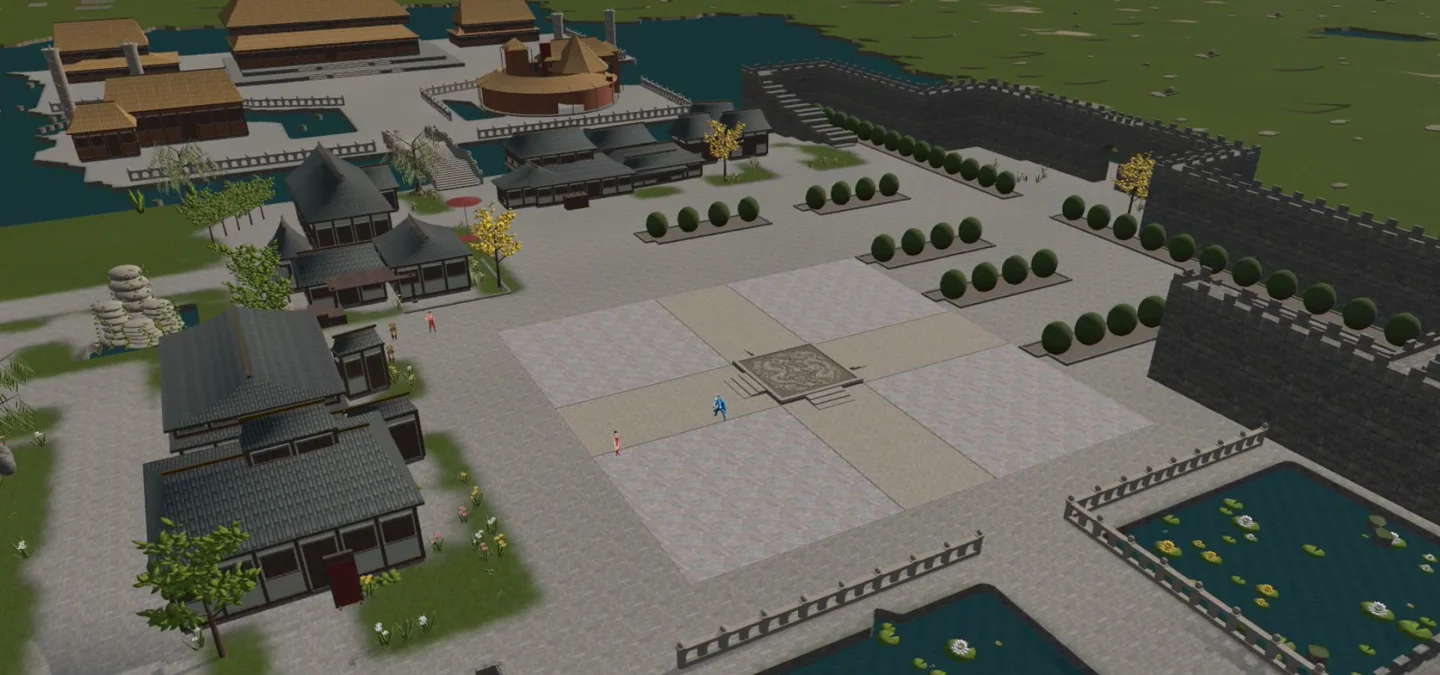
A fixed isometric angle with adjustable zoom. Choose it for a consistent view of the battlefield.
Modern
Free orbit. Drag to swing the camera anywhere around your hero and scroll to zoom. The angle you leave it at is the angle it keeps.
Follow
The same free orbit, but walking eases the view back around behind you. Your chosen height and distance are left alone — only the direction follows.
Your orbit button
Middle-drag orbits the camera by default. You can switch orbit to right-drag in settings. A short right-click still performs its normal attack action.
Your zoom distance stays fixed until you change it. Follow mode adjusts the viewing direction as you move. When a wall or roof blocks the hero, the view draws the hero through it without pulling the camera closer.