Your language all the way down
Play with item and monster names, quests, menus and system messages in English, Arabic, Spanish, Portuguese or Chinese. The website speaks all five too, with right-to-left layouts for Arabic.
Separate settings for each account
On the same computer, each account keeps its own camera, action bar, key bindings, window positions and language. These preferences are saved locally, so a new computer starts with its own settings.
Three cameras, not one
Classic for the original fixed angle, Modern for free orbit, Follow for a view that swings back behind you as you walk.
The game tells you why
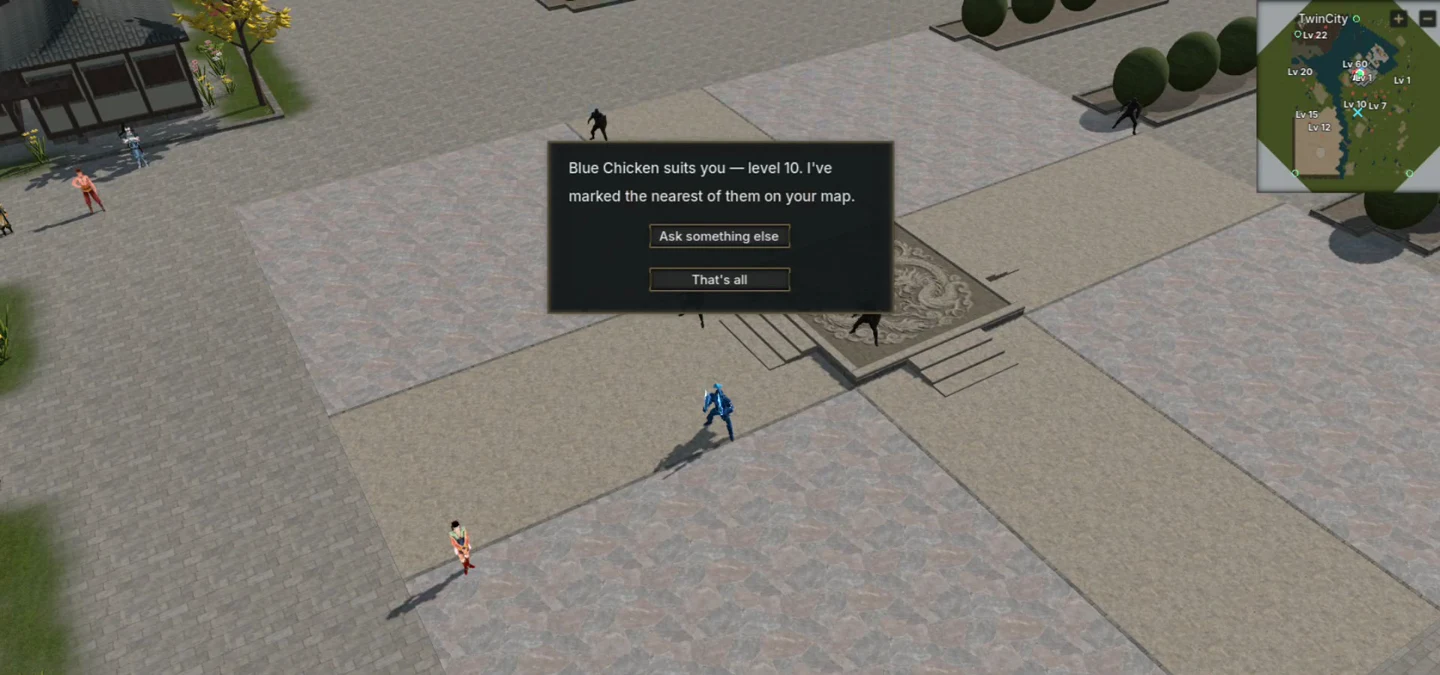
System messages explain refused actions, such as missing materials or unmet requirements, in your selected language.
Clear naming rules
Names use Latin letters (accents allowed), Arabic letters or Chinese characters with optional digits, start with a letter and cannot mix scripts. Names that differ only by case or accents count as the same name. Invalid names are refused so you can choose another.
Windows, macOS and Linux
Download the launcher for your operating system. The download page includes help with the first launch on Windows and macOS.
Your kill is your loot
What a monster drops is yours alone for the first ten seconds, so the player who did the work gets first reach. On a team you can choose to share money and items instead.
Confirm important actions
Dropping or destroying items, resetting attributes, packing up a stall and leaving the world show a confirmation before the action is sent.
The server resolves combat, loot and character progression. Your account keeps your character and equipment between sessions.