New: the Classic edition

Free-to-play · 3D MMORPG

A world worth
fighting for.

Leap into battle. Master your class. Take your place in a world built on Conquer Online.

Browser · Windows · macOS · Linux

Open betaExplore the worldNo subscription. No cash shop.

See Genesis in action

This is your battlefield.

Five classes, ten maps, monster hunts and guild battles. Watch gameplay captured in Genesis.

Playing connects to YouTube.

One server, two clients

Two clients. One fight.

Two players on one server, one in each client. Watch them hunt and duel side by side, at the same moment.

  • Same account and heroes
  • Same maps, monsters and fights
  • Switch clients whenever you like

Playing connects to YouTube.

Where to play

Play on your phone, in a browser or on a computer

  • PhoneOpen the site in your phone's browser. Nothing to install.
  • Computer browserPlay in a browser tab on your computer. Nothing to install.
  • LauncherWindows, macOS and Linux. Install 3D, Classic or both.

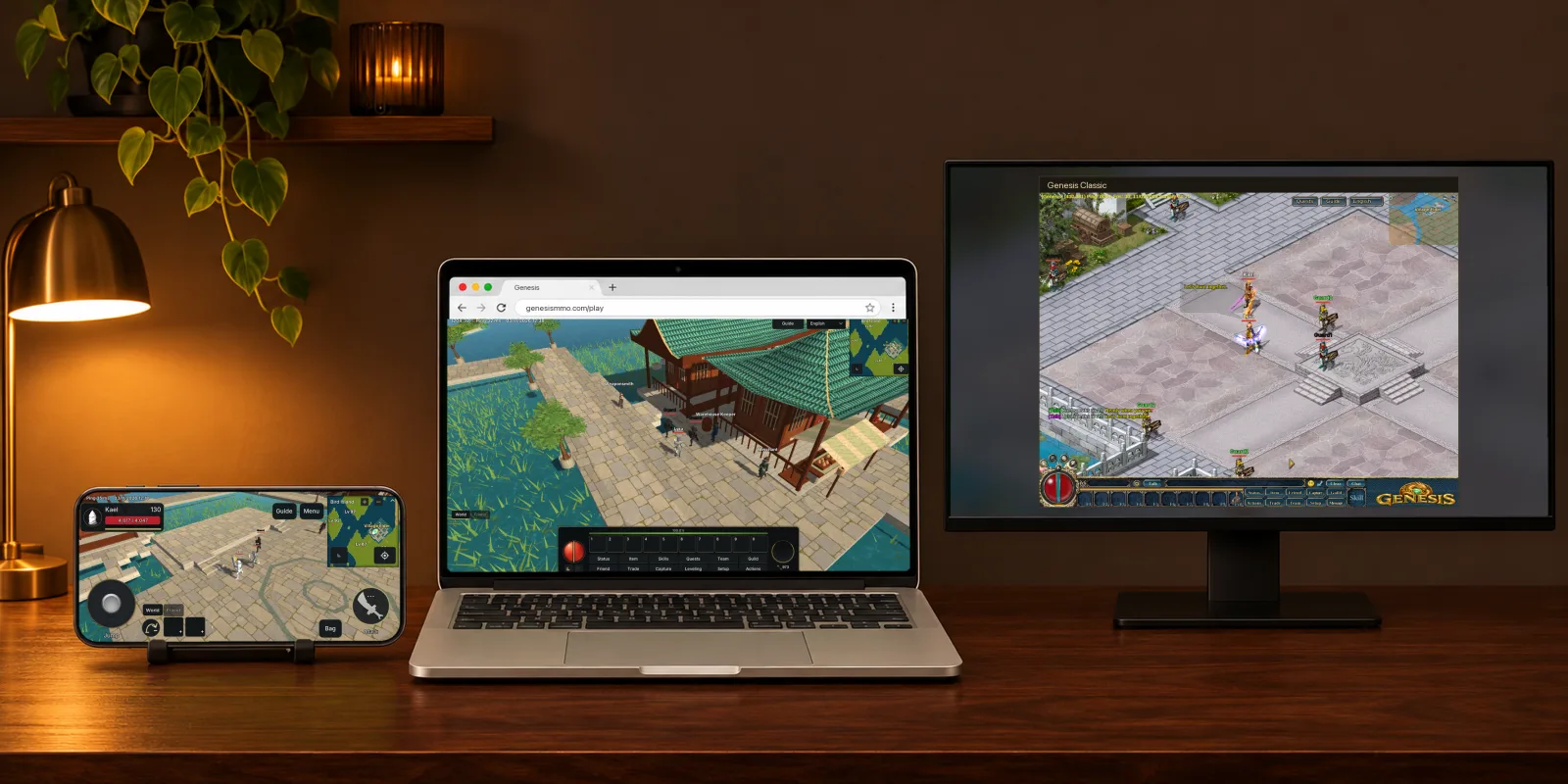
Choose Classic or 3D on your phone, in your browser or in the launcher.

A phone and a laptop playing Genesis 3D in the browser, beside a computer running Genesis Classic.
The desk is AI art. The screens show real captures.

New · Classic edition

Prefer the original? Play Classic.

Genesis Classic shows the world the way Conquer Online did, in 2D. It plays on the same server as Genesis 3D, with the same account and heroes.

Get Classic

One server, one world

Classic and 3D players see each other, team up, trade and fight in the same world.
The original look and controls

Conquer Online's maps, heroes, windows and controls, with the Guide, the quest log and five languages added.

Switch whenever you like

The launcher installs either version, or both. Your heroes are waiting in each.

Choose your path

Five ways to fight.

Steel, arrows, fire or the power to bring your team back. Find your role.
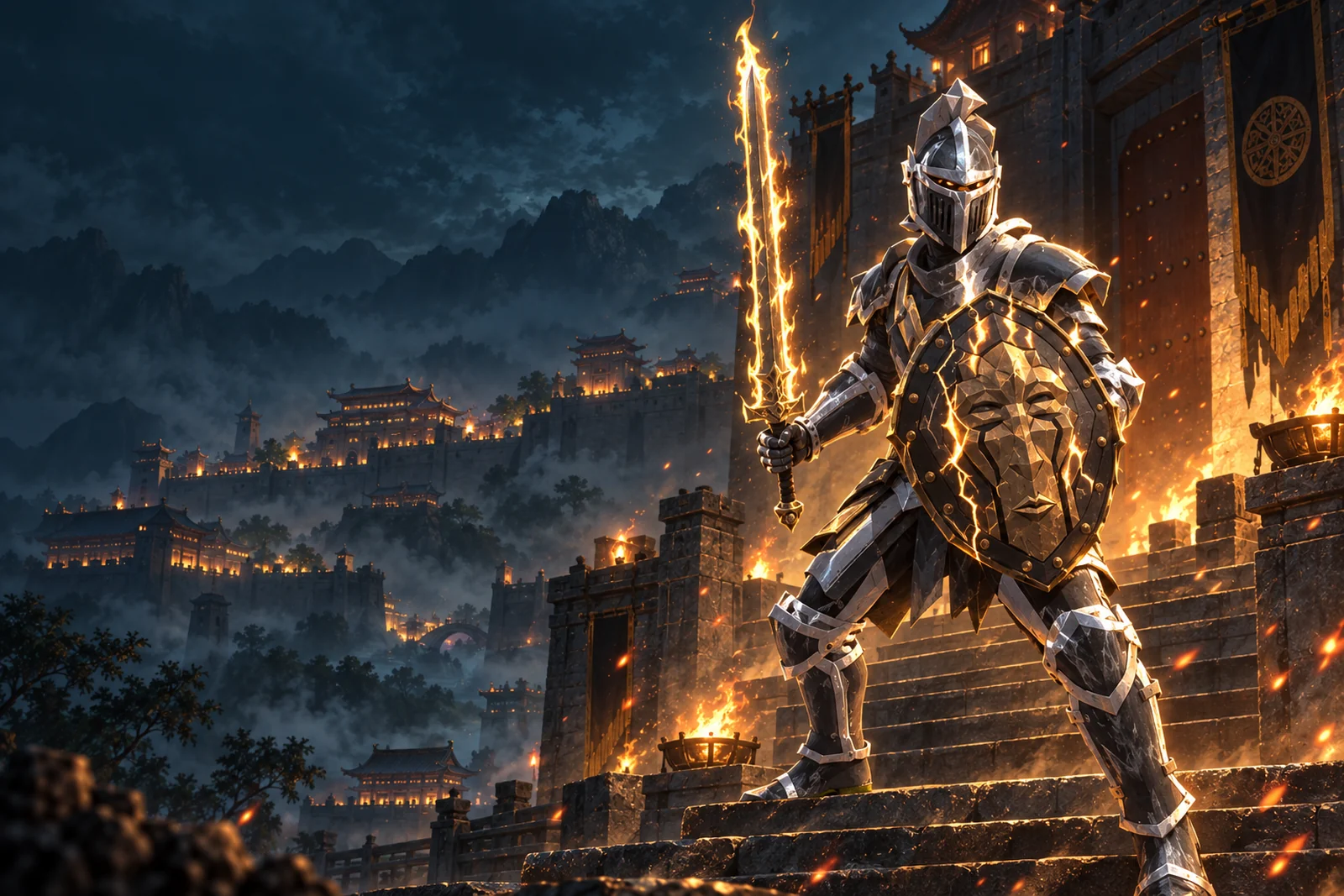
Sword & shield · Melee

Warrior

Meet the enemy with sword and shield. Stand alongside your party and strike through the front line.

Explore classes & skills

The realm

Beyond the city gates.

From the streets of Twin City to distant hunting grounds. Find your next fight, your next upgrade, and the people who will stand beside you.
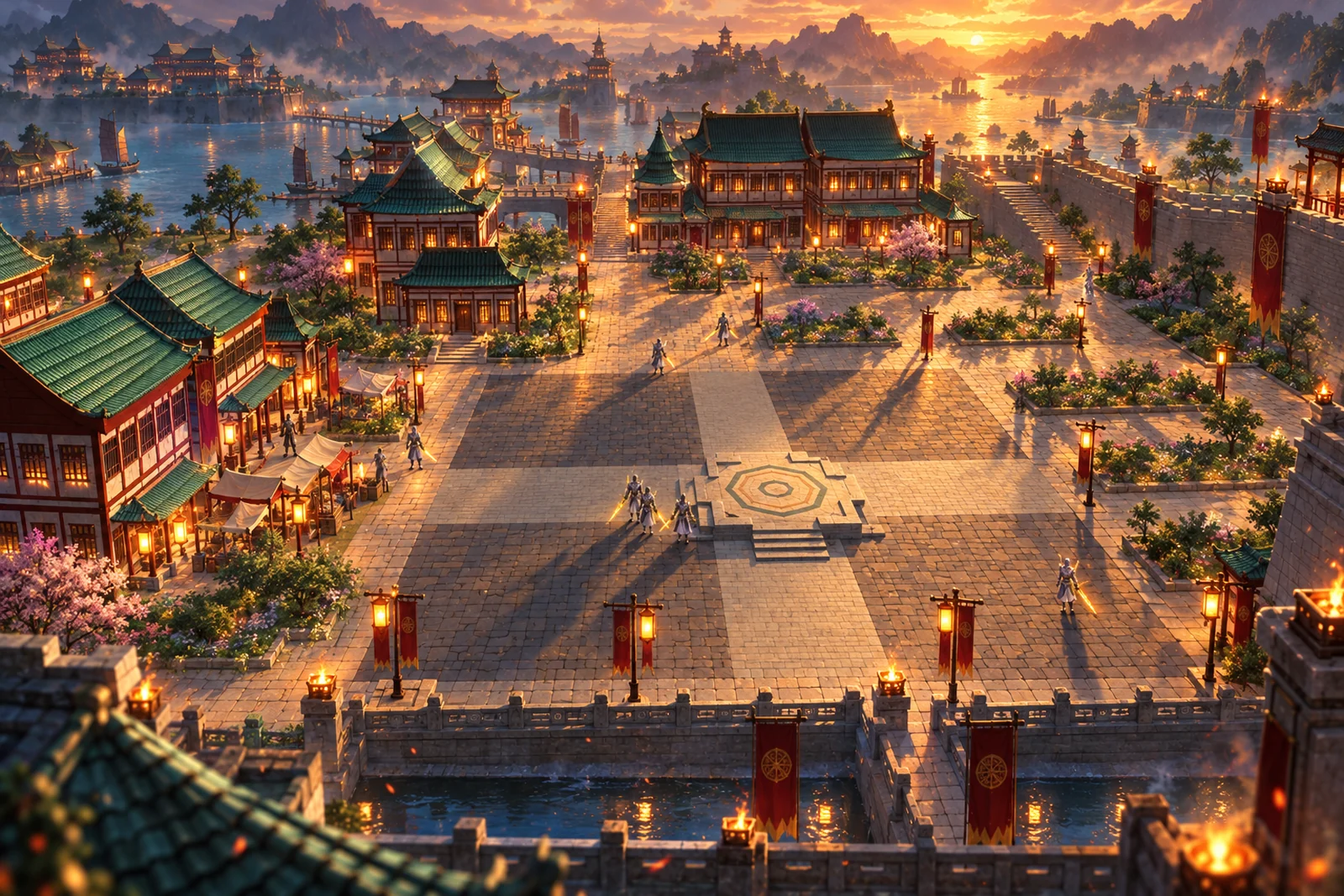
Twin City

The hub of the realm — merchants, the market, and the road out.
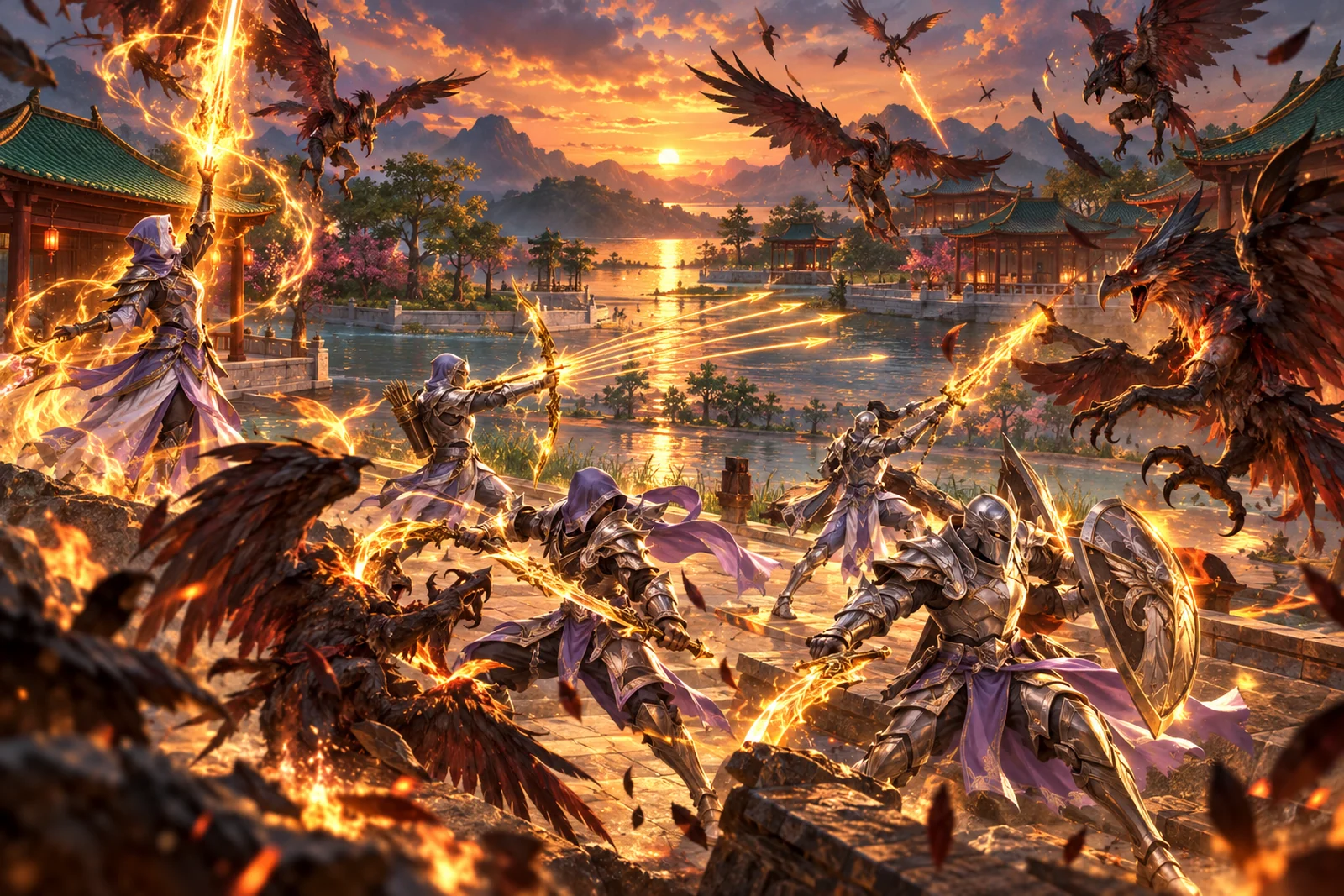
The hunt

Birds on the island, apes in the mountain. Gear drops. Skills train on every swing.
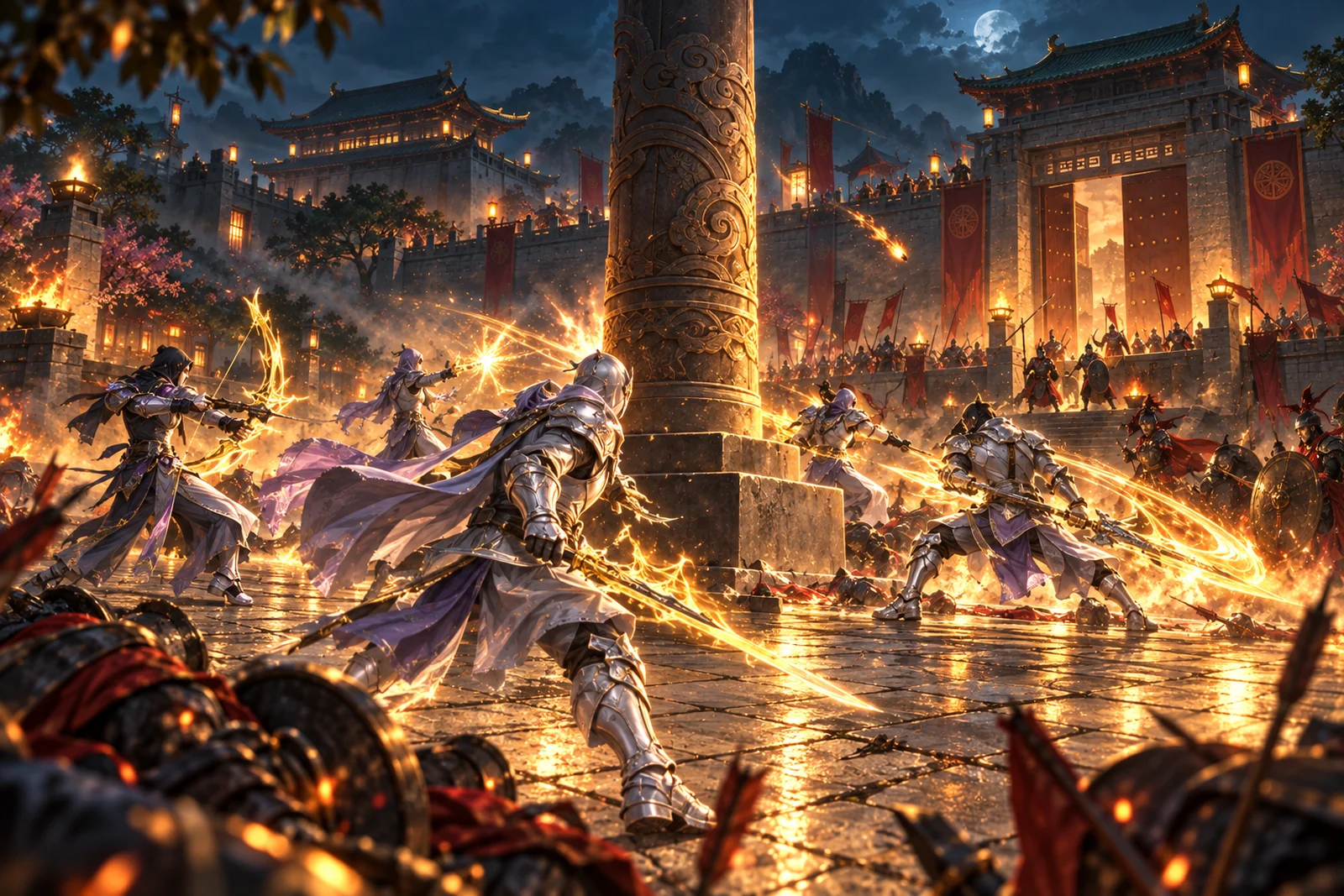
Guild War

Take the pole. Hold the gates. The city remembers who won.
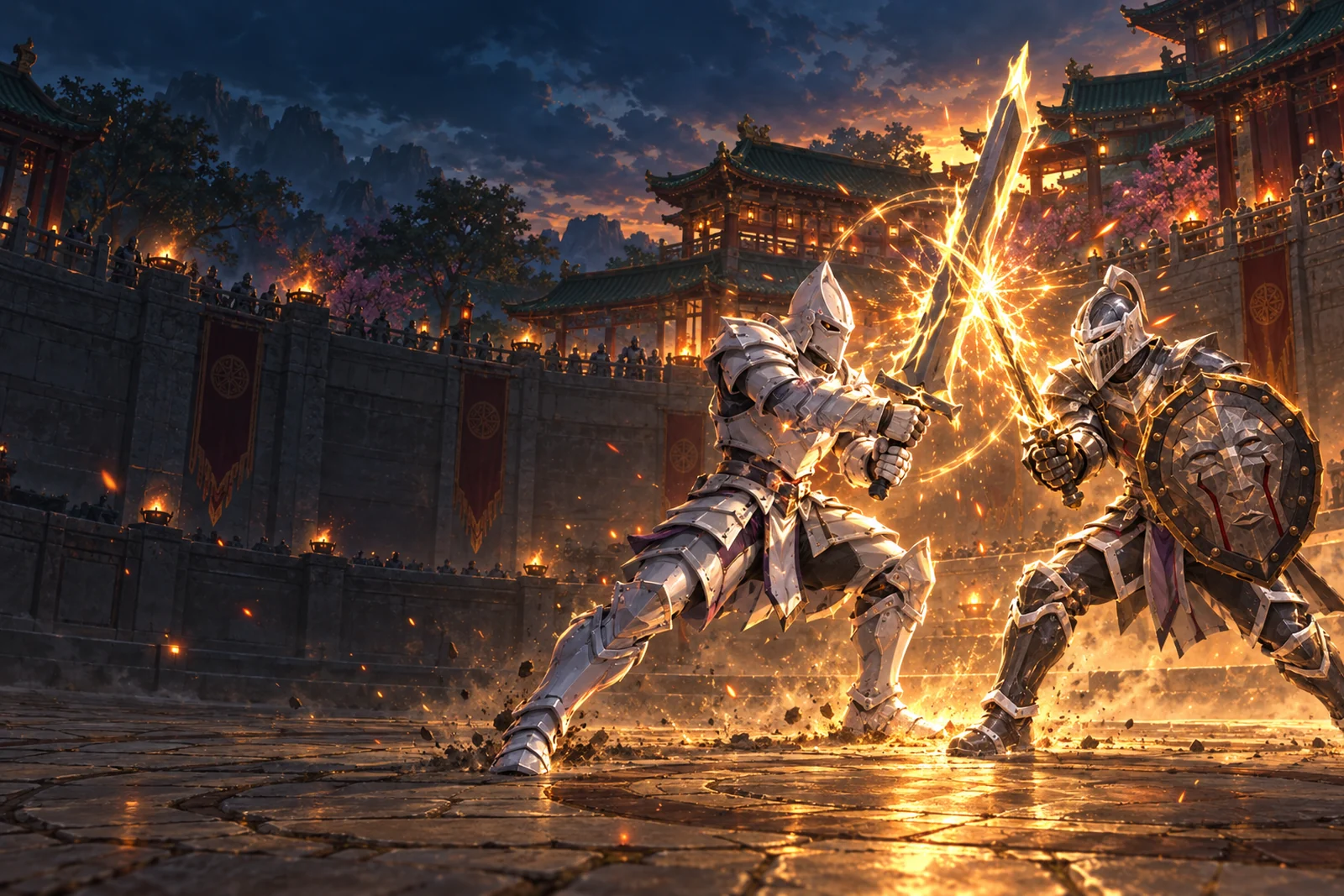
PvE hunts · Player vs. player · Guild War

Bring your guild. Take the fight.

Hunt packs of monsters, challenge other players, and fight for the Guild War pole. A well-timed Stigma or revival can turn the battle.

Read the player guide

Classic systems

Make every hunt count.

Upgrade your equipment, socket gems, trade in the market and follow quests across the world. Your next drop could change your build.

Read the player guide

Classic systems

Improve equipment with plus-levels, sockets and gems. Dye your gear, repair it and trade with other players at market booths.

Solo & team quests

Follow regional elders across the world, collect what they need and bring a team for group challenges. Track objectives and rewards in your quest log.

Fight for your guild

Rally your guild, break through the gates and fight for control of the pole.

Latest news

All news

2026-11-08

Patches 1050 - 1064: hourly bosses, the gold Mall, Conquer's upgrade rules and new skills

This update covers patches 1050 to 1064. Hourly bosses have arrived, upgrades and experience now follow Conquer's own rules, several classes learn new skills, and Classic runs in your browser and on phones.

Hourly bosses
  • The 22 monsters that Conquer spawns once an hour, from the Tawny Eagle to the Ember Bear, are now bosses. Each hourly spawn point in Phoenix Castle, Ape Mountain, Desert City and Mystic Castle raises one boss, drawn at twice its normal size in both editions.
  • A message tells the whole server where a boss has risen, and another names the player who killed it.
  • A boss drops four pieces of equipment at its level, a chance at Refined to Super gear, and a 1 in 20 chance of a DragonBall.
  • The Guide now sends you to ordinary hunting grounds instead of to an hourly boss.


Upgrades follow Conquer's rules
  • Composing raises an item by one plus and never fails. It takes the main item and two minors, each a +N Stone or an item of the same kind with at least the main item's plus. From +5 it also takes gems.
  • Quality upgrades cost DragonBalls at Conquer's success rates. Sure Quality, the Artisan's third Craft button, always succeeds and costs more DragonBalls.
  • The Artisan opens a weapon's first socket for 1 DragonBall and its second for 5, and never fails. Other equipment gains sockets only from drops and quality upgrades.
  • Plus Stones are now +1 Stones, and +3 to +6 Stones are new in the Mall. Quality Stones are gone: each one you held was refunded at 160,000 gold, into your purse for carried stones and into your bank for warehoused ones. Upgraded equipment keeps its plus, quality, sockets and gems.
  • Classic has Conquer's compose window, where you drag in the main item, two minors and two gems. Its improve window spends DragonBalls.
  • Auto hunting picks up and keeps every +N Stone.


Experience and drops
  • Experience follows Conquer's level table at a 1.5x server rate. Levels 50 to 110 take about half as long as before, while levels 110 to 130 take longer. From level 120 you keep half of your battle experience, as in Conquer.
  • A kill's loot belongs to its killer for 20 seconds.
  • Picking up an item or gold now shows a system message.


New skills
  • Every Taoist learns Fire. Fire Taoists gain Fire Ring and Bomb, and Water Taoists gain Star of Accuracy and Invisibility.
  • Taoists on either path learn Conquer's XP skills: Lightning at level 15, Volcano at 40 and Speed Lightning at 70.
  • Trojans know Accuracy. Spear users gain Speed Gun, a passive that can strike every enemy on a line toward the target. Warriors learn Flying Moon at level 40, an XP skill that hits one enemy at long range.
  • The Skill Master and the Market Pharmacist sell Conquer's skill book for each of these skills, with Conquer's own requirements. The Snow book no longer requires wand mastery.
  • The Path Master has been removed, since every Taoist chooses a path when the character is created.


Shopping Mall
  • The Mall is open in both editions and on phones, and it takes gold. Open it from the Mall orb in Classic, the Mall button in 3D, or Costumer Chen, who now opens the Mall instead of his own garment shop.
  • It sells DragonBalls, gems, garments, Exp Potions, Meteors for 460,000 gold, +1 Stones for 80,000, the new +3 to +6 Stones and city Gates for 2,000.


Classic
  • Classic plays in the browser and on phones at genesismmo.com/play/classic/, with touch controls and Conquer's window art.
  • Classic runs faster on low-end phones and heats them less, and high-resolution screens show sharp text again.
  • The interface and names keep Conquer's size when you maximize the window and follow your browser's zoom. Windows open near the middle of the screen, and your zoom level is saved with your account.
  • Classic draws Conquer's own colours. The graphics preset and Hide obstructing scenery have left Classic's settings, and the frame rate defaults to 60.
  • Portals show Conquer's exit effect, and 19 portal entrances have moved to their correct cells.
  • Hovering over a player shows Conquer's portrait panel. The experience bar shows its numbers when you hover or click it, windows no longer shrink when dragged, and the font is easier to read.
  • Fixed the Divine Shield effect, garment heads, quality frames behind item icons, Trojan jumps with a club and blade, and Pheasants and Turtledoves standing in a T-pose.
  • Items on the ground take their item box colour: graded items in their quality colour, Normal items in white and money in yellow. The booth carpet always lies beside its vendor, beneath them.
  • The skill tray has the Ammo and Count controls, the Leveling window's sliders work, chat has a Friends channel, and phones show the ping and time.


Both editions
  • Pressing the left and right mouse buttons together now does both, so you can cast while walking or attacking.
  • Monsters no longer appear in a T-pose for a moment or flicker when blocked, and characters and monsters face the way they walk.
  • Sitting takes effect on the keypress, even while walking, jumping or attacking.
  • When a new patch is published, an Update button lets you reopen the update prompt.
  • The game goes silent while its window or browser tab is out of focus.
  • Shift-click moves an item into the open trade, booth or warehouse. Selling to an NPC asks for confirmation only for Elite or Super items and items with a plus, and inserting a gem always asks first. Classic's bag and warehouse have Tidy.
  • The Artisan window is larger, and you can drop equipment anywhere on its From Bag panel.
  • Auto hunting casts your chosen skills, collects every pile of gold and keeps away from red and black name monsters in Mystic Castle and Wine Zone. It no longer stalls on Venom Toads or follows gold through a portal.
  • Dyed items show their colour on the ground. A trade holds up to 20 different items.
  • Arabic names in announcements and chat are joined and in the right order, and long Arabic lines wrap correctly.
  • Amounts typed on a phone keyboard now register in the Mall, warehouse, trade and other fields.


Launcher and website
  • The Windows launcher no longer runs out of memory while installing Classic, and it remembers which edition you chose.
  • The website asks new visitors to choose 3D or Classic, has its own Classic pages, shows where each client runs and loads faster.

2026-11-01

Patches 1048 - 1049: Classic mode, restored maps and combat updates

This update adds the Classic edition and brings both views of Genesis onto the same classic map layouts and shared combat rules.

Choose Classic or 3D
  • The launcher now lets you choose 3D or Classic, with a separate installation folder for each edition.
  • Both editions use the same accounts, characters, equipment and progress. Players can meet, chat, trade, form teams and join guilds together, whichever edition they use.
  • Classic uses Conquer's maps, characters, equipment artwork, interface, music, sounds and effects. The Quest Log, Guide and other Genesis windows are available in the classic interface, in all five languages.


Maps and travel
  • The connected Main World has been replaced by separate classic maps. Twin City, Phoenix Castle, Desert City, Ape Mountain, Bird Island, Mystic Castle and Wine Zone return to their classic layouts, alongside Market, Guild Area, Arena and Jail.
  • The 3D maps keep Genesis scenery and buildings, rearranged around the classic routes and walkable ground. Both editions share the same positions, entrances and movement boundaries.
  • Wine Zone entry through the Alcoholist requires Health Wine again. The relevant monsters drop it again.
  • Ordinary monster populations are back to their normal numbers. The threefold increase from the previous update has been removed.
  • Fixed flickering floors, terrain showing through paths, misplaced bridges and gates, and several waterfall and tree rendering issues. Hiding obstructing scenery now clears the view above your character without cutting away shadows.


Combat and movement
  • Fast Blade and Scent Sword hit only cells along the aimed line, with at most one enemy hit per cell. Targets outside the permitted height difference are skipped.
  • Scatter uses a 120-degree fan and keeps its previous Genesis range as it levels up. Skill hits no longer make a normal attack's dodge roll.
  • Corrected skill power, costs, rank ranges, buff values and Taoist mana pools using classic data. Spells now use the shared classic casting delay instead of separate cooldowns for each spell.
  • Healing Rain and Nectar heal nearby teammates correctly and show every healed target. Healing range now follows the trained skill rank.
  • Intensify uses its classic charge-up time. Dash moves the attacker into the target's position and pushes the target forward. Cyclone and Superman use the corrected attack timing and gain duration from kills.
  • Jumps use twice the classic travel and animation speed in both editions. Clicking beyond jump range takes you as far as allowed toward that point, without landing on missing ground. Fixed diagonal walking stutter.
  • Damage numbers and hit reactions follow classic behavior. A spell that deals zero damage still shows 0 and a hit reaction. Missed melee attacks and arrows use the dodge animation without floating "Dodge" text.


Equipment and shops
  • Costumer Chen sells classic garments, including their original restrictions on which characters can wear them. Garments have no level requirement, quality or plus bonus. Existing garments have had their old quality and plus values cleared.
  • Garment dyes appear in Classic using the nearest available classic colour. Wearing a complete Super equipment set shows the class effect when you use the Cool action in either edition.
  • Merchants now offer repairs through Fix. Repairing an item at zero durability costs five Meteors and asks for confirmation before spending them.
  • Classic now has the Artisan's quality, tier, composition and gem windows, including gem removal. Market booths appear at their proper locations while their owners are vending.


Teams, chat and revival
  • Teams hold five players. Team boss quests require a full team of five. Forbid closes a team to new members, and Auto join sends requests to nearby leaders.
  • The broadcast pigeon is available in both editions. Players at level 50 or above can queue a message for 500 gold. Messages air one per minute, with paid options to move a message forward in the queue.
  • Classic chat now has channel filters and colours, saved whisper names, chat history, player details and the emoji panel. Whispers show the other player's level and guild.
  • Added offline messages to friends and a blacklist that hides listed players' chat in both editions.
  • Revive Here respects each map's restrictions and shows why it is unavailable. A moving ghost stops before reviving. The PK display stays on the server-approved mode if a change is refused.


Interface, browser and website
  • Classic supports F1 through F10 hotbar slots, F12 screenshots and custom jump bindings. Corrected character previews, name labels, flying poses and corpse timing.
  • Effects resume correctly after the game has been minimized or left in the background. Fixed missing browser materials and the 3D minimap's use of its available space.
  • The game, launcher and website have the new Genesis branding. The website has updated pages, new gameplay images and a trailer for each of the five languages.


Watch the new gameplay trailer

2026-10-19

Patches 1041 - 1047: one connected world, three times the monsters, play in your browser and a lighter engine

One connected world
  • Twin City, Desert City, Ape Mountain, Phoenix Castle, Bird Island, the Market, the Arena, the Jail and the Guild Area are now regions of one Main World, joined by 18 roads and 3 bridges. The world loads around you as you walk, so there is no loading screen between regions.
  • Mystic Castle is now a cave under Desert City, and Wine Zone lies one floor below it. The minimap marks both entrances by name.
  • Each of the five cities has three travel portals. Step into one to travel for free to another city, the Market or another stop in the same city. City gate scrolls still use one scroll per trip.
  • Portals are now upright stone moon gates. Jumping through a gate also uses it.
  • Ask the Guide "Where is the nearest travel portal?" and it marks the closest one.
  • The minimap title shows the region you are in.
  • Heroes on the old maps moved to the arrival point of the same region. Quests, NPC directions, tips and the Guide point to the new places.
  • Many monsters have new names and bodies that suit their region. Their levels, stats, skills and drops are unchanged.
  • Market stalls are tents that face the camera, with the vendor seated under the open front.


Monsters, Mystic Castle and Wine Zone
  • Every hunting ground has three times as many ordinary monsters in the same space. Bosses, guards and respawn timing are unchanged.
  • Wine Zone is open. Walk down to it from Mystic Castle. You no longer need Health Wine, and the Alcoholist is gone.
  • Mystic Castle's monsters above level 120 moved to Wine Zone: Slime Brute (formerly Slime Man, level 125), Water Elemental (130), Cave Demon (formerly Small Dinosaur, 135) and Ancient Lich (formerly Tiger, 140).
  • The level 120 Crocodile stays in Mystic Castle as the Crypt Guardian.
  • If the Guide's "Where can I level?" sends you to another floor, it marks the passage there.


Play in your browser
  • Choose Play in browser on the website to play on your phone or computer with your existing account. The game downloads its files the first time, and your browser keeps them for later visits.


New engine and graphics
  • Since patch 1042, the game runs on a lighter engine that needs only OpenGL 2.1 graphics. Your settings and saved accounts carried over.
  • The Graphics page in Settings has an Auto-detect button. It times a crowded fight at each preset and keeps the best one that holds your screen's refresh rate, or your FPS cap if you set one.
  • A new xHigh preset adds smoother edges, soft shadows and richer color, and uses more GPU power.
  • The Render scale slider is gone.
  • Distant trees and bushes draw as simple cards, and portals no longer light the ground around them. Big fights run at a higher frame rate.
  • Text and edges are sharp on Retina and other high-density screens.


Movement and camera
  • Clicking the ground moves you to the terrain you see.
  • Jumps land on a floor you can reach and no longer go through cave floors. You can walk up slopes as steep as 45 degrees.
  • In caves and beside steep banks, the ground between the camera and your hero cuts away without leaving black holes.
  • Stable Follow is on by default. The Follow camera ignores jumps and short turns and rotates after 1 metre of steady travel. Turn it off on the Camera page in Settings for instant rotation.
  • The Follow camera turns at the same speed at every frame rate. It used to turn more slowly at high frame rates.
  • Nearby players see every jump in a quick chain of jumps.


Leveling
  • Leveling fights only the monster kinds you ticked, even when another monster attacks you. Area skills can still hit other monsters nearby.


Interface
  • Chat is wider and taller, and tips appear beside the action bar when there is room.
  • With the warehouse open, Shift-click a bag item to deposit the whole stack.
  • Closing a trade with its X or Escape now cancels it. It used to stay open on the server.
  • An NPC's window shows the NPC's name as its title.
  • A skill makes its sound when you cast it. A Scatter kill plays the skill, the death and the loot in that order.
  • Item names on the ground follow a language change.
  • Sitting down ends a gesture, and pressing X after a gesture from the seat works the first time.
  • The light columns of Level Up, Revive and Nectar are round instead of flat.
  • The Clear chat button shows a bin instead of an X.
  • Your screen can go to sleep while the game is open.


Launcher
  • Launcher 7 downloads the game's small files in 256 packs. A full install has about 14,000 small files, and older launchers requested them one at a time. Older launchers update themselves to version 7.

Open beta

Your journey starts here.

Play in your browser or download Genesis, create your character, and step into the realm.

Play for free

No subscription. No cash shop.